
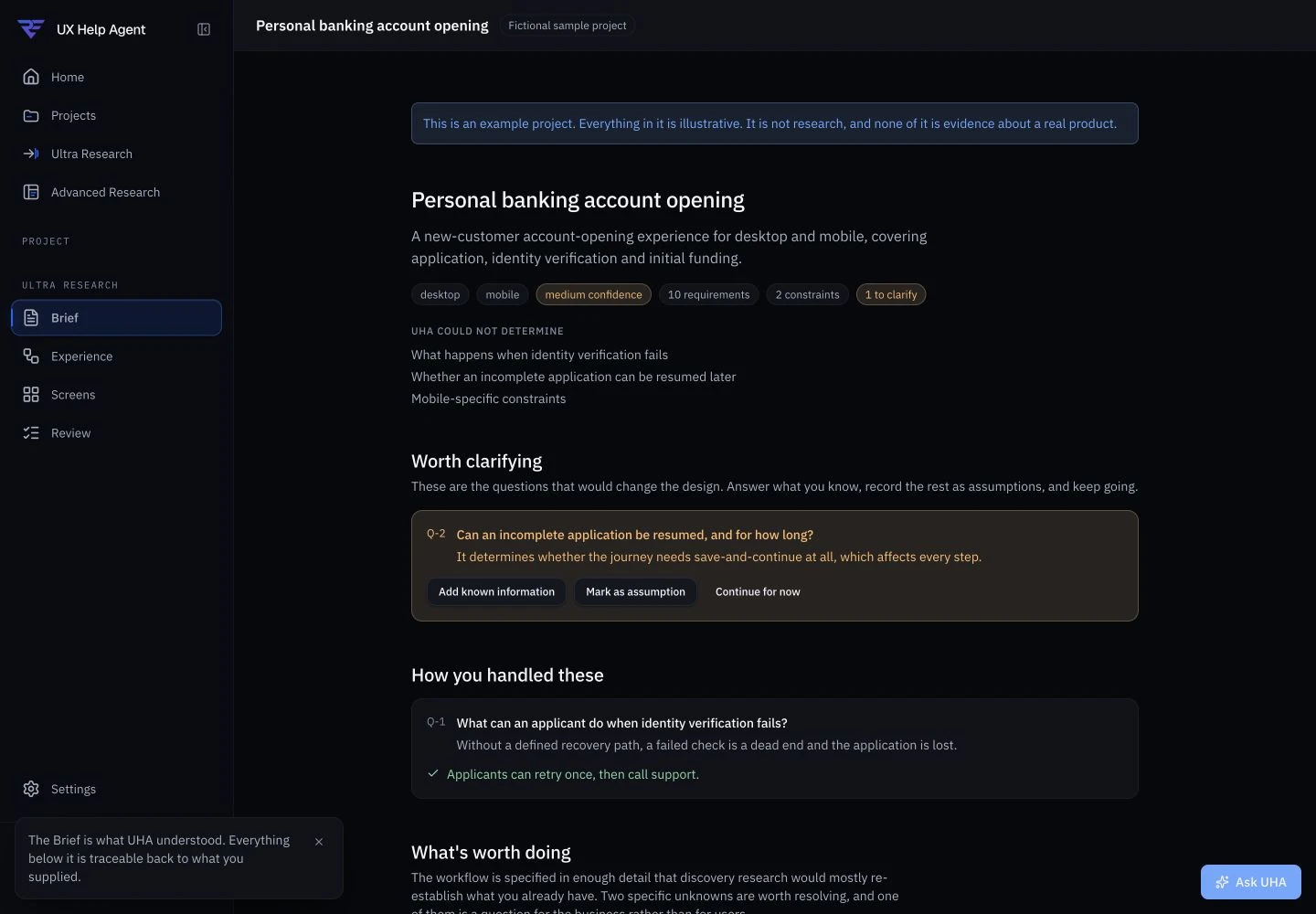
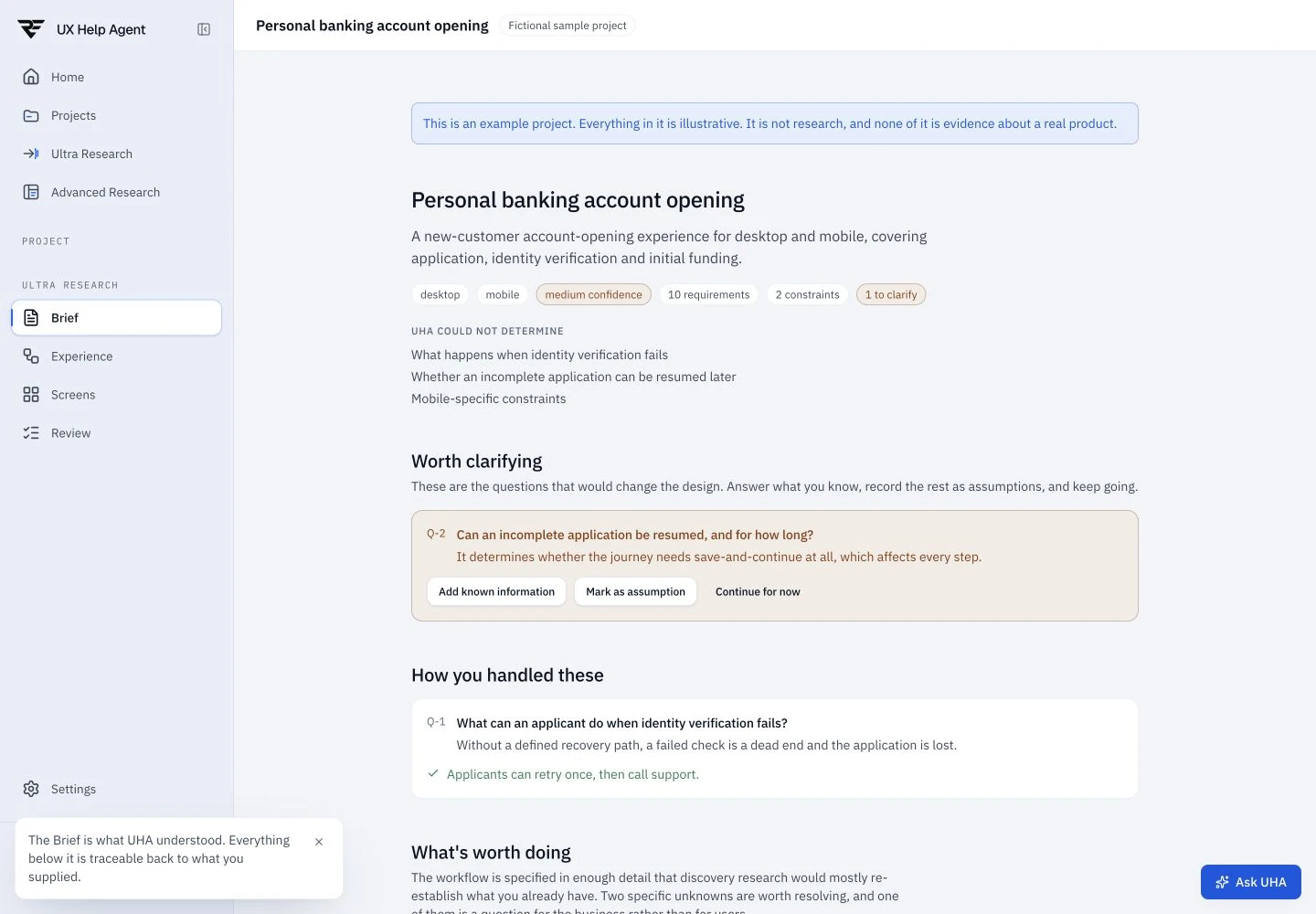
Ultra Research
From brief to screens.
Six guided steps, from requirements to review. Every finding is cited.
Bring a brief. UHA does the research, shows the evidence, and turns it into flows and screens you can review.
Free during beta · No payment information needed · 3 Ultra Research projects included.
Sample project / Design · Fictional sample data
Four workspace views keep your brief, experience, screens, and review connected. See the actual product below.
Keep your requirements, research sources, and open questions together.
Add the transcript from your interview. UHA finds what matters and links each finding to the words behind it.
Transcript
UHA works from the transcript
Interview → finding → decision
Illustrative workflow. UHA doesn’t join or record calls. It reads the transcript your call tool exports (VTT, SRT, DOCX, PDF and more).
Interviews, tickets and analytics become clear findings. Each one links back to the person and the moment behind it.
Sample project · 4 participants, 214 tickets
Sources
Maya R. P04
Parent booking for two children
Daniel K. P09
Returning patient, books monthly
Amara O. P12
New patient, first visit
Interview · Maya R. (P04)
14:32 of 32:10
“I scrolled through three weeks of calendar before I realised tomorrow was open.”
The first available slot is hidden behind a calendar.
ResearchSourcesFindingsDesign decisionsFinal design
A meeting-room conversation about the difficult work between receiving requirements and making a defensible design decision.

UX Help Agent
Why I Built It

Rajesh
Senior Product Designer / Host
Junior Designer
Designer
Senior Designer
Designer
Short on time? Jump straight in.
AI-assisted reconstruction based on project discussions. Names, voices, and certain details have been modified for confidentiality.
Watch the product walkthrough to see how UHA turns requirements into research, evidence, workflows and screens.
Every project moves through the same research steps. Ultra guides you through them from one brief. Advanced brings many sources and builds up the evidence as it goes.
Ultra Research
Six guided steps, from requirements to review. Every finding is cited.
Advanced Research
Interviews, tickets, analytics and surveys, grouped into themes, with every finding cited.
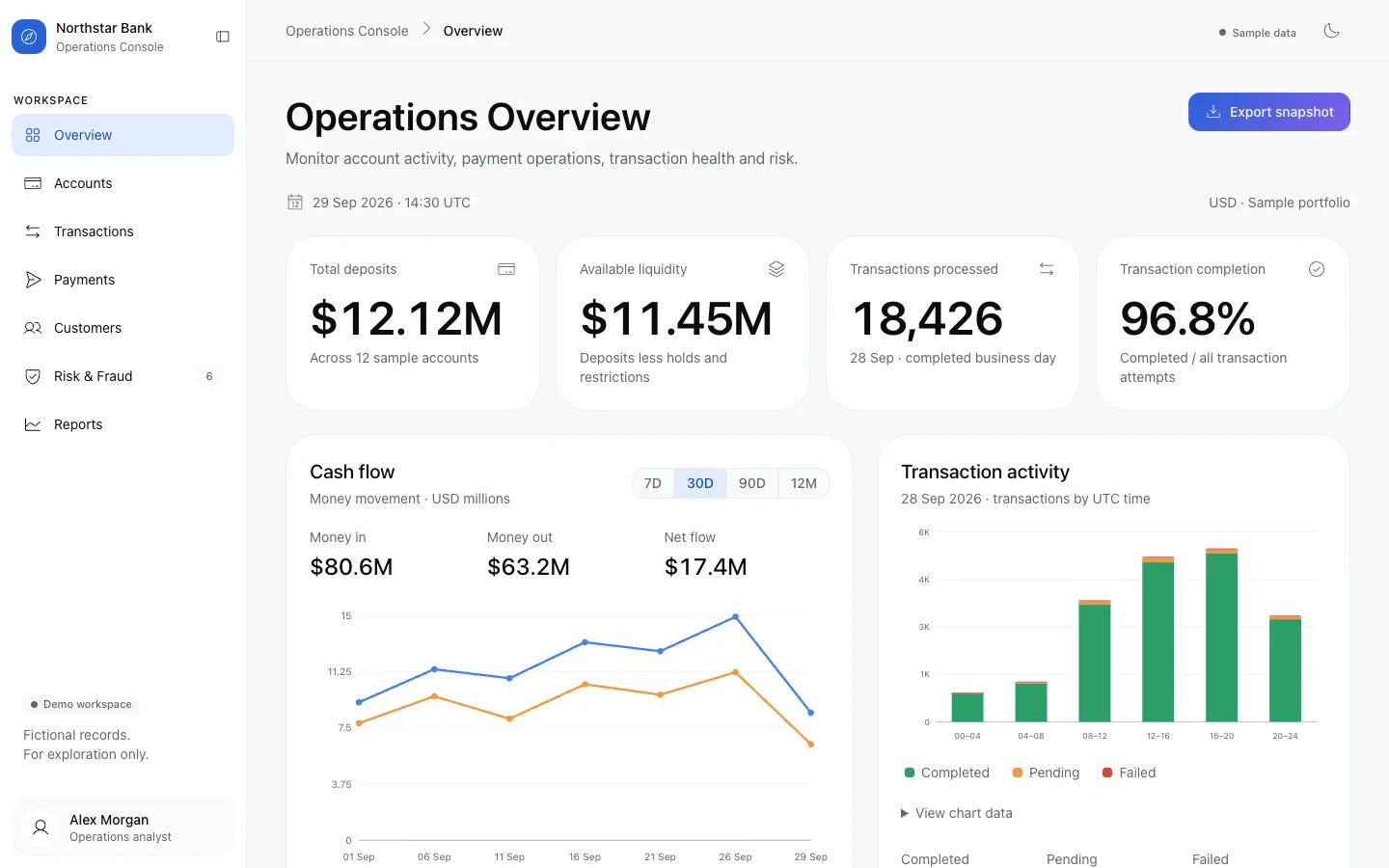
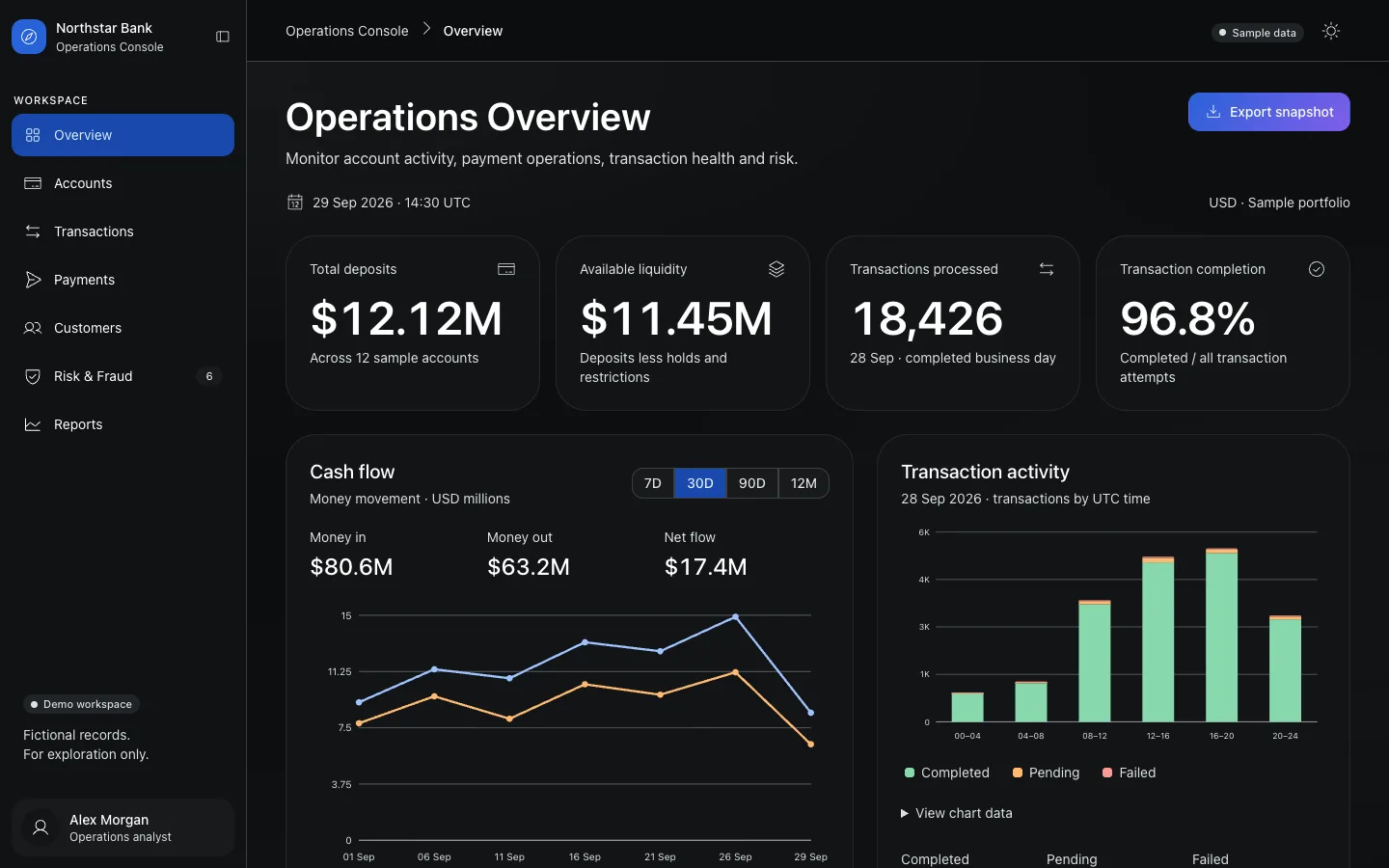
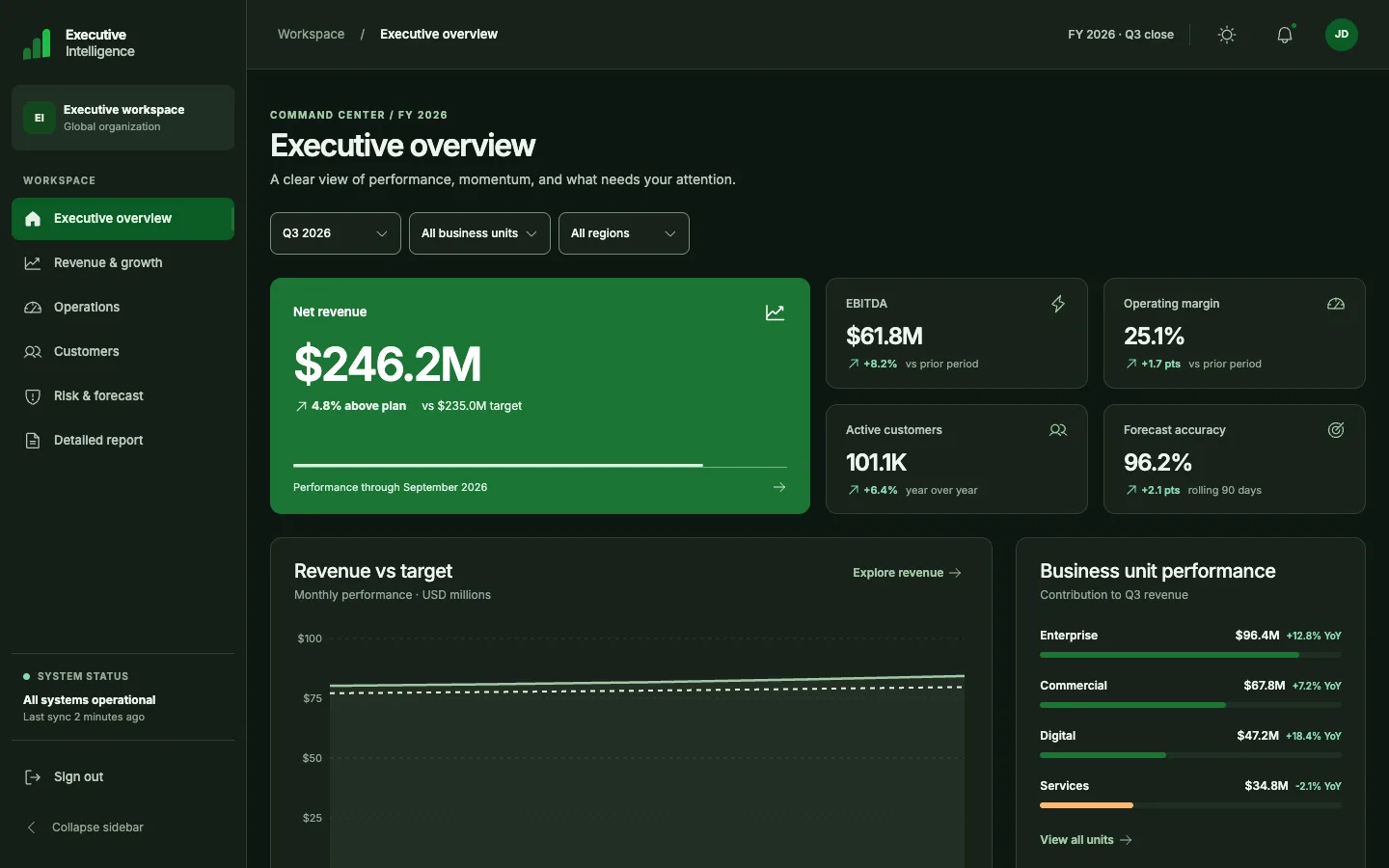
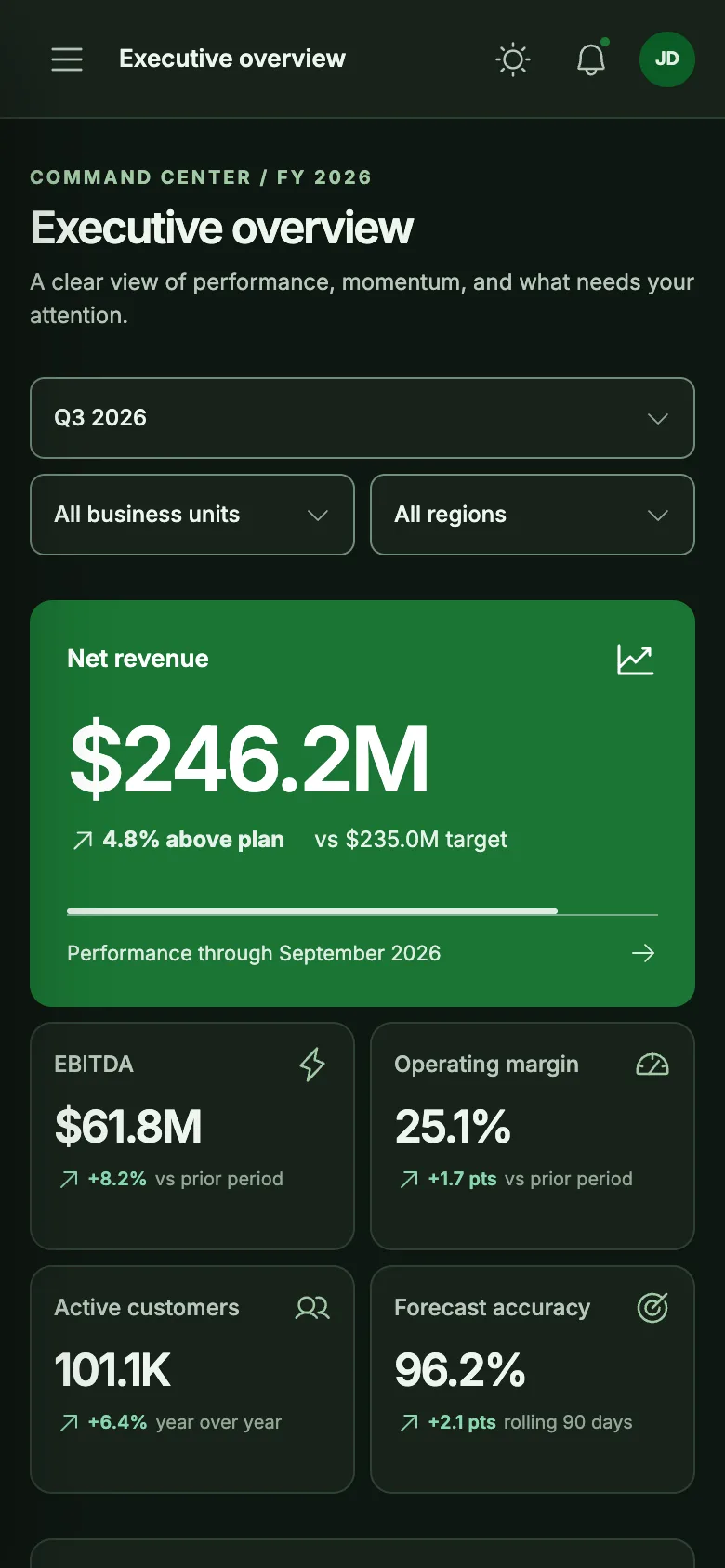
UHA builds desktop and mobile screens with RST components. Each decision still links to its evidence.
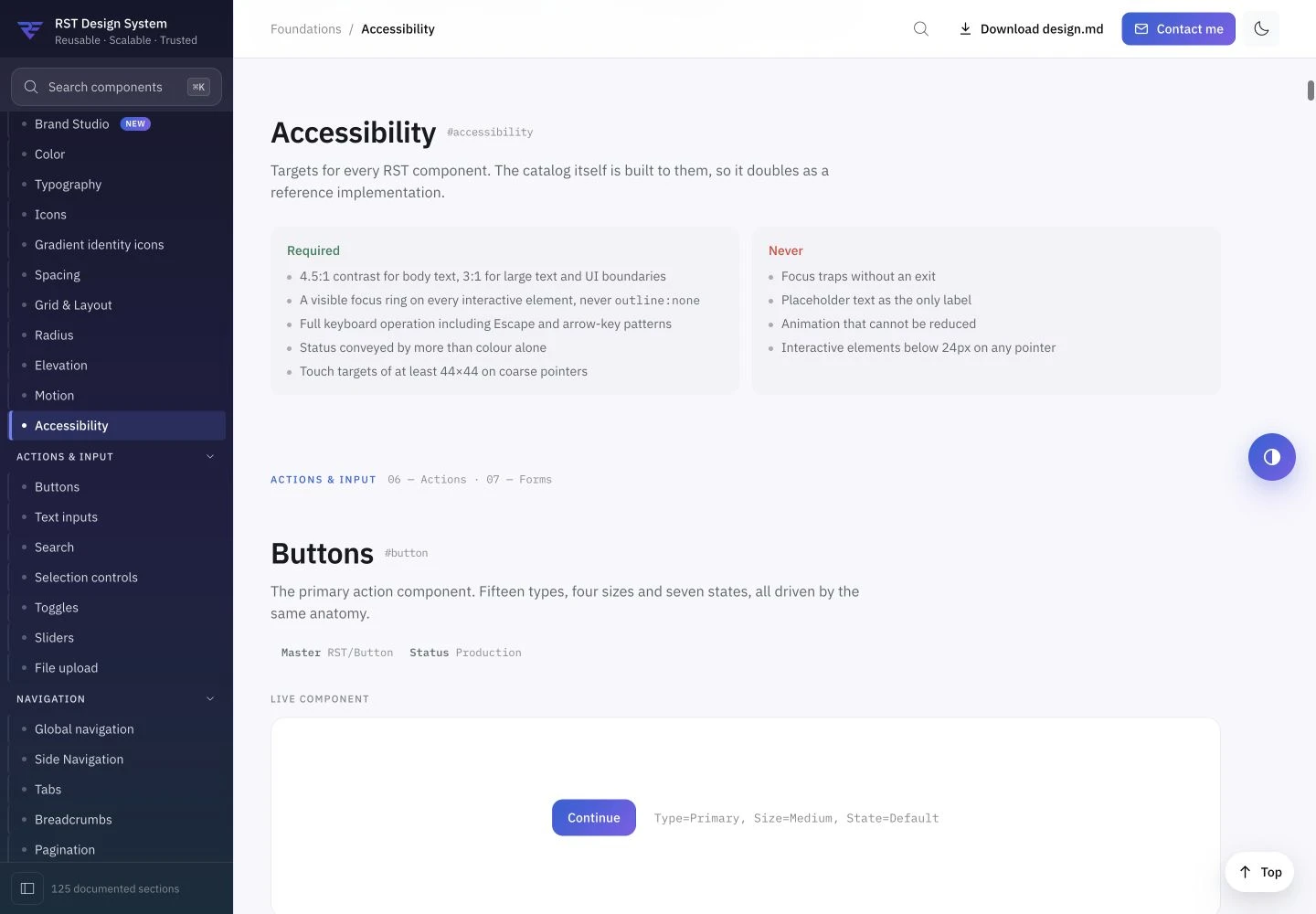
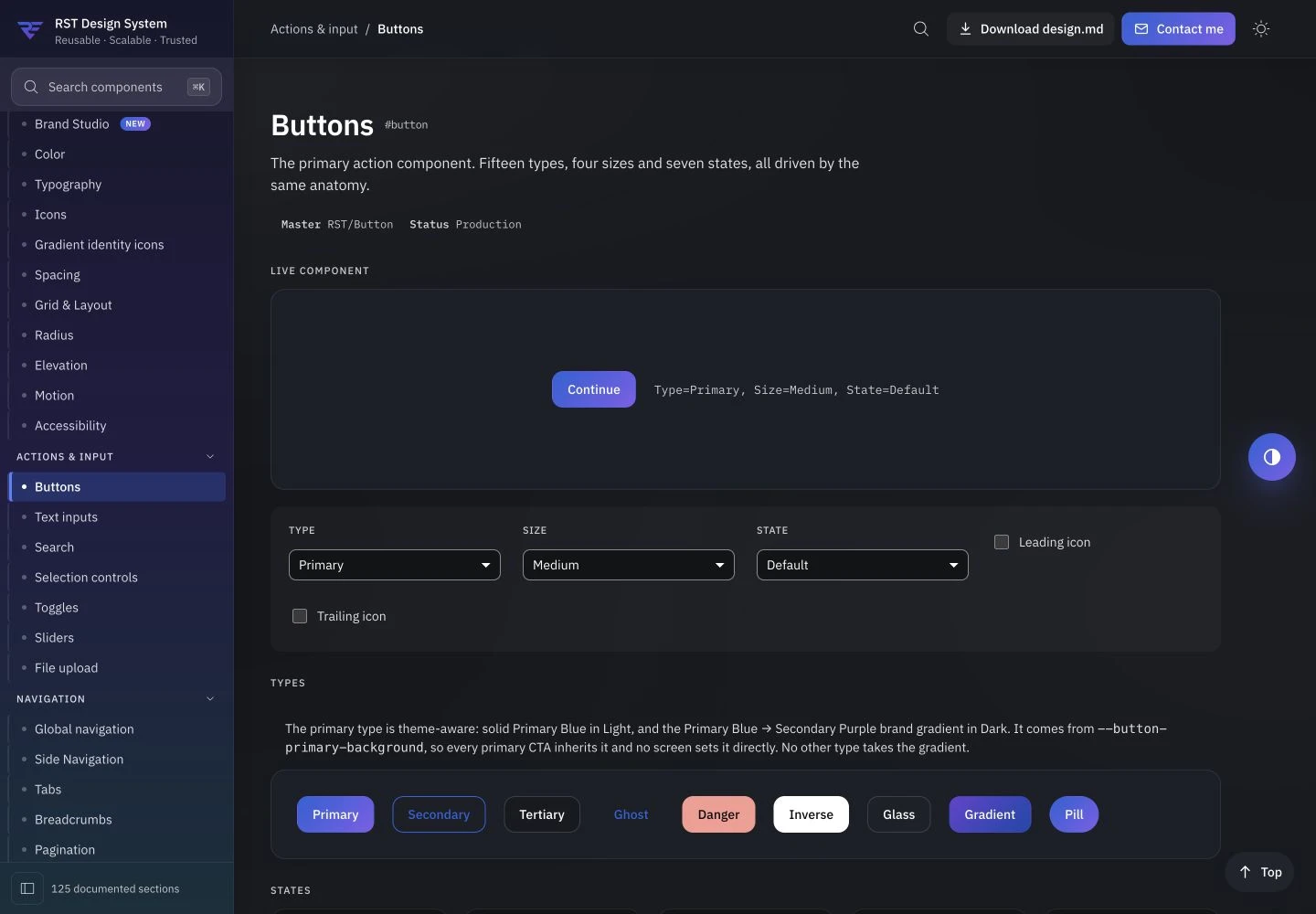
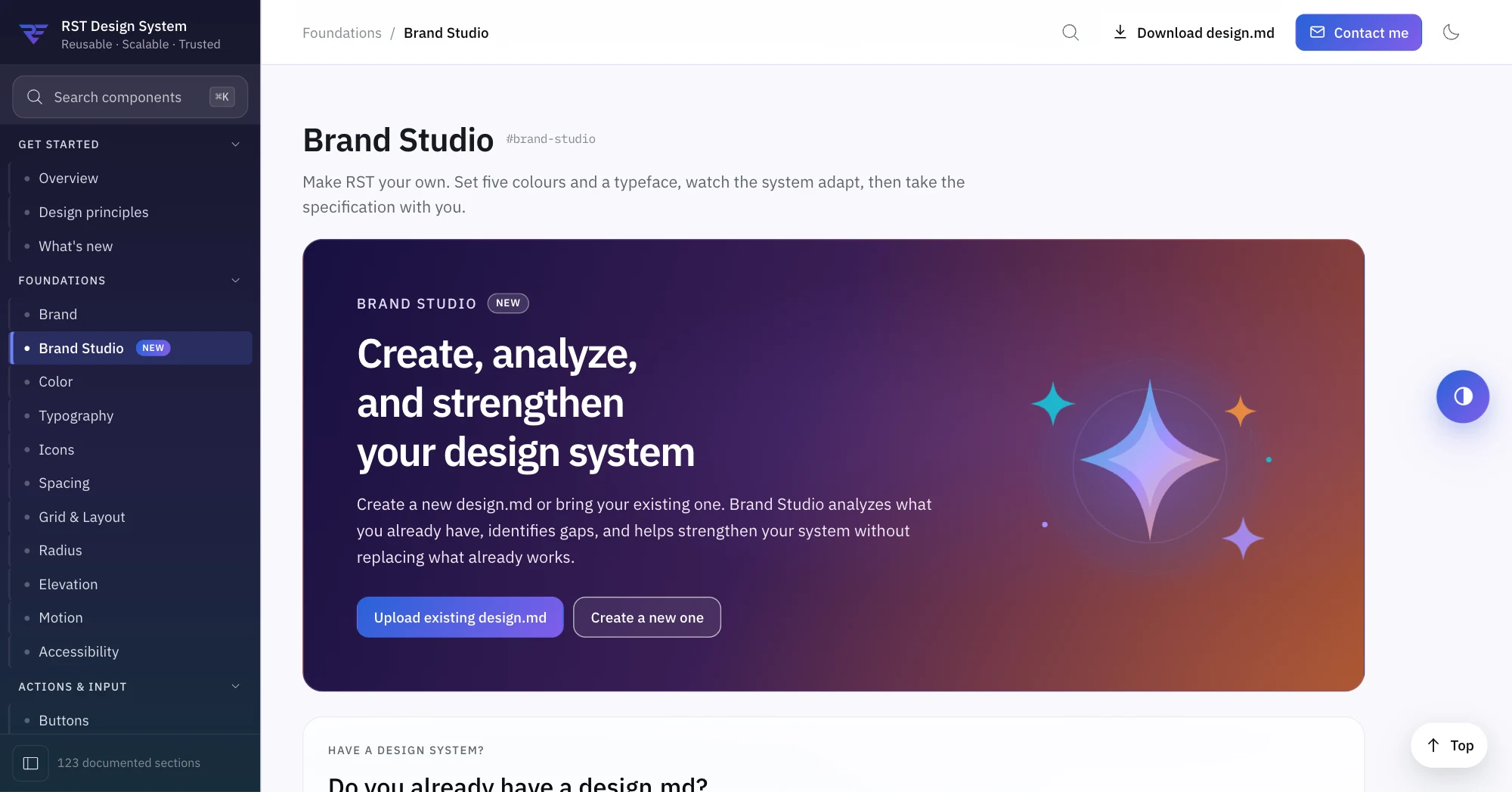
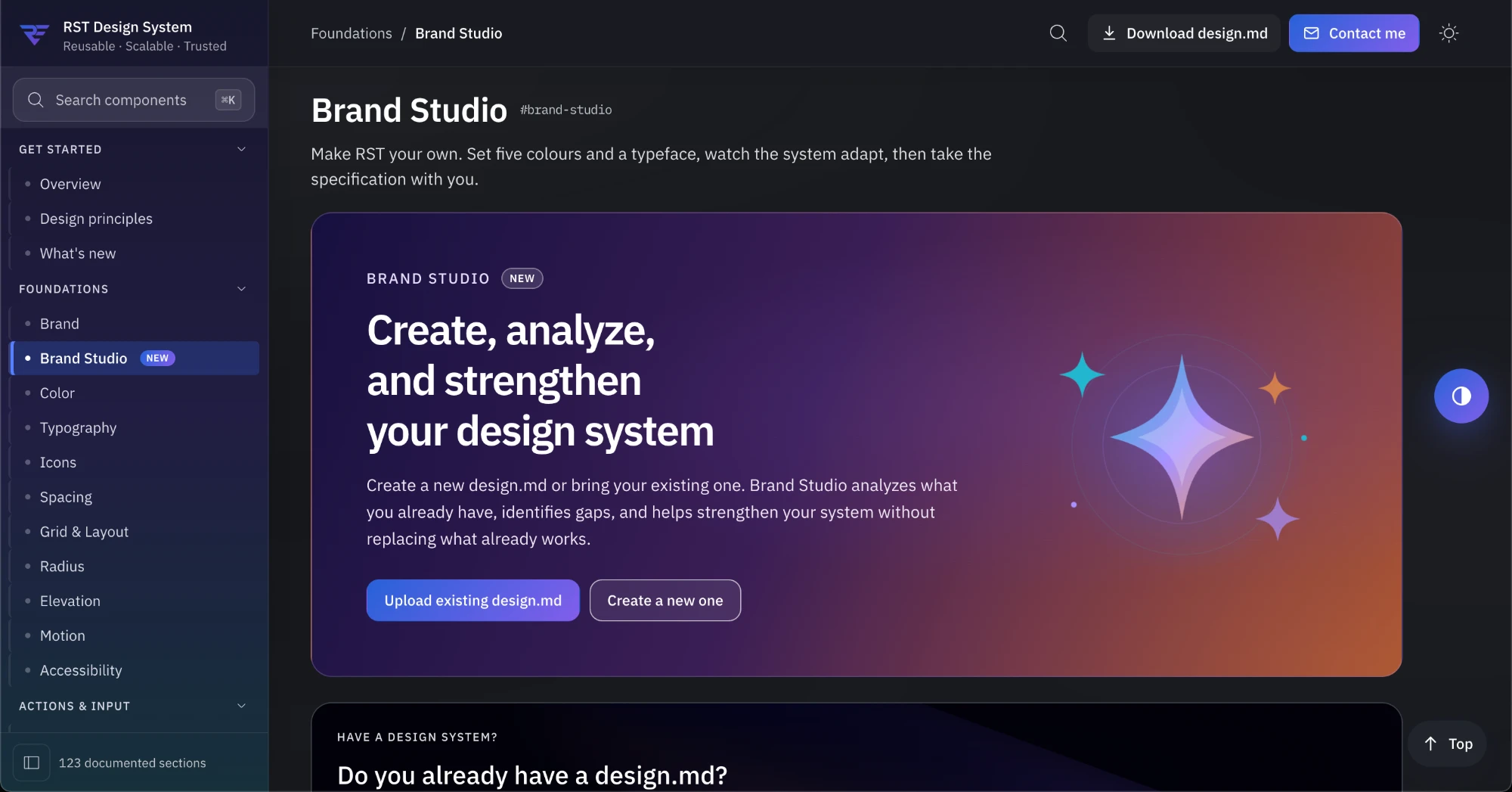
These two apps use the same RST components. Each has its own brand and its own requirements. Both are real builds.
Captured from the real builds. Both apps use fictional sample data.
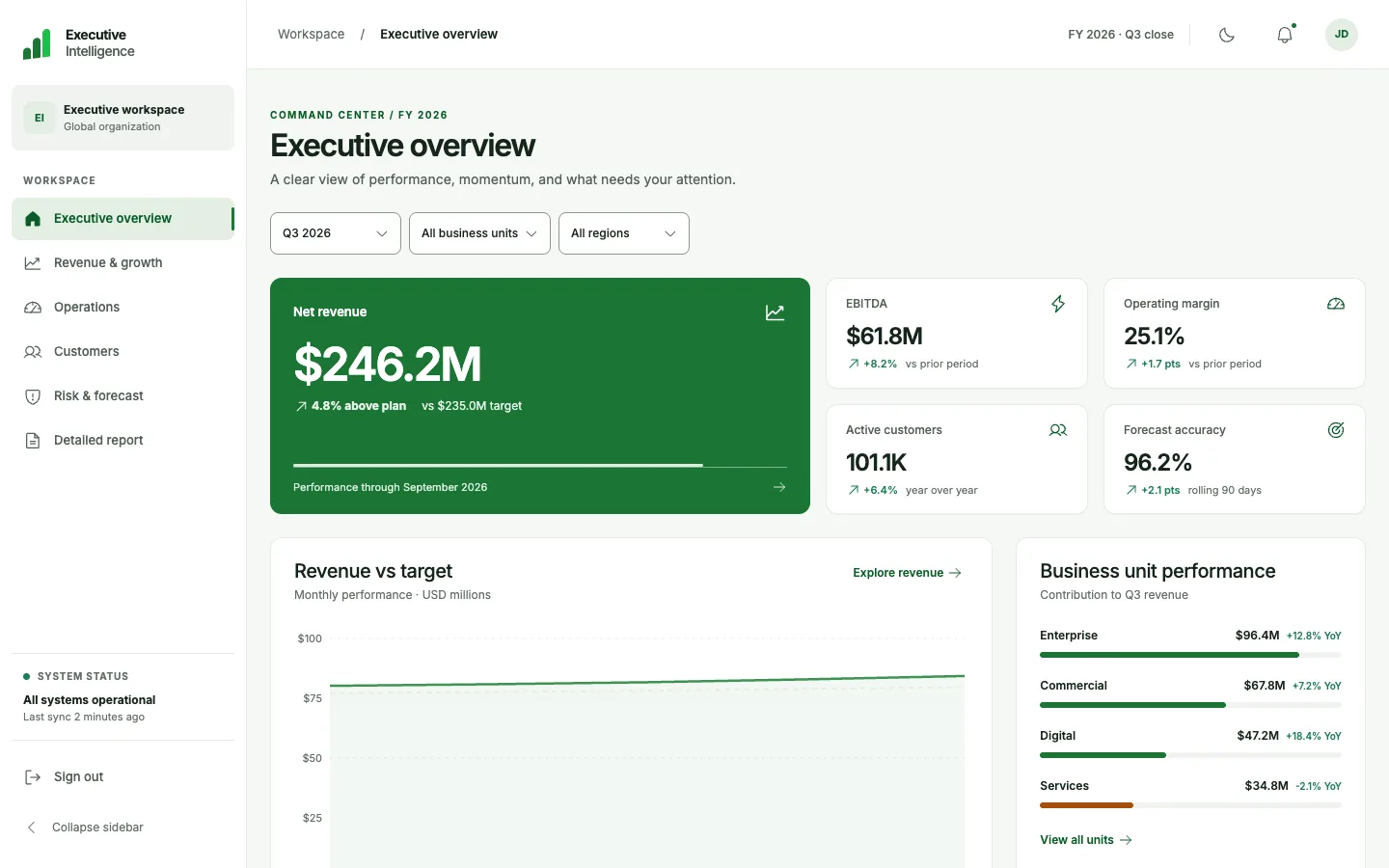
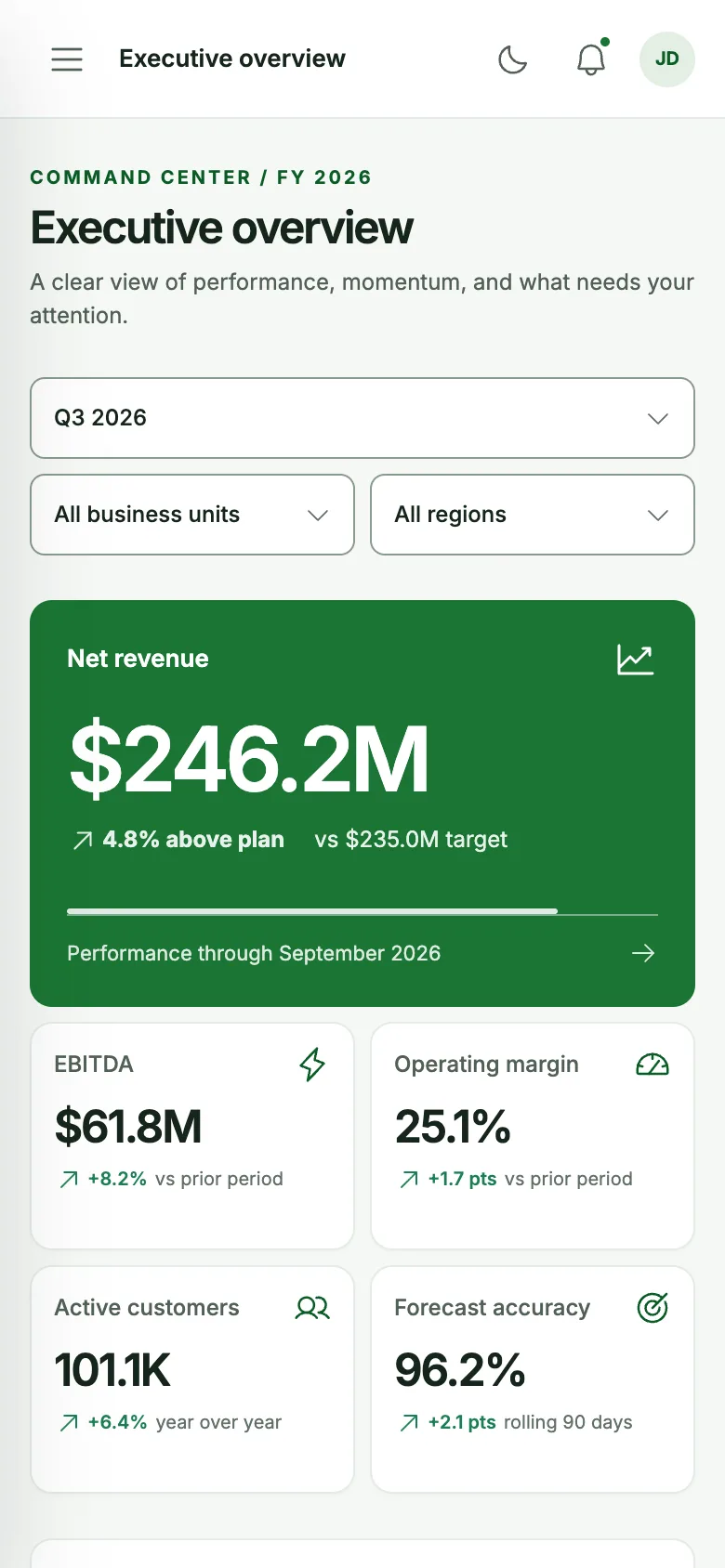
UHA uses RST tokens, components and patterns. Brand Studio applies your brand.
See RST and Brand Studio in action.
Privacy & control
A space for your work, tied to your account. Sign in when you want to create a project of your own.
Read our privacy & security policyYour UHA workspace
An account for your own projects
Your projects are tied to your signed-in account and are not publicly browsable.
Sign in with Google or email to create and save your own projects. No payment information needed during beta.
Configured AI services may process the project material you provide when generating results.
UX Help Agent helped us turn a rough product idea into a clear workflow we could actually review. Instead of jumping between notes, research, and design files, we could see how each decision connected.
“I usually spend a lot of time turning scattered requirements into something the team can discuss. UHA gave me a clear starting point and helped me get to the actual design work faster.”
@pixelchai
Product Designer · India
“What I liked most was being able to follow the thinking from research to the final screens. It felt less like getting an answer and more like having the whole design process in one place.”
@flowstate_mike
Senior UX Designer · United States
“I could start with a rough brief and quickly see the workflow take shape. Having the research and design decisions connected made reviewing the work much easier.”
@northstar_ux
Product Designer · Europe
“I liked that I didn’t have to figure out where to start. I added my requirements, followed the steps, and had something useful to review much faster than my usual process.”
@PatelDcheer
UX Designer · India
Try Ultra Research for free. Upgrade when you need more projects or Advanced Research.
$0Free plan
Explore Ultra Research with up to 3 projects.
$6per seat / month
Free during beta
For designers working across multiple projects.
Custom
For teams with larger research needs.
Start free
$0 USD, Free plan
Try UX Help Agent for free.
No credit card needed.
Usage limits apply.
Bring the brief you already have. UHA shows its work at every step.